Ghost – Witch Image

Published: June 17, 2019

Ghost – Witch Image

$3.00

Description

I normally don’t do requests for drum covers because most people want you to play the most outrageous cover that I have no clue how to play. However, when someone commented I should cover Witch Image by Ghost, I just had to. I love the song and I love Ghost; a match made in heaven! The song is not too difficult and I nailed the cover in one take which normally doesn’t happen! Thanks for the suggestion, Moran Shetland!

This is still one of my favorite drum covers I did. It’s not a very difficult song at all but it had some elements in the song that I really enjoyed playing; especially all the drum fills near the end.

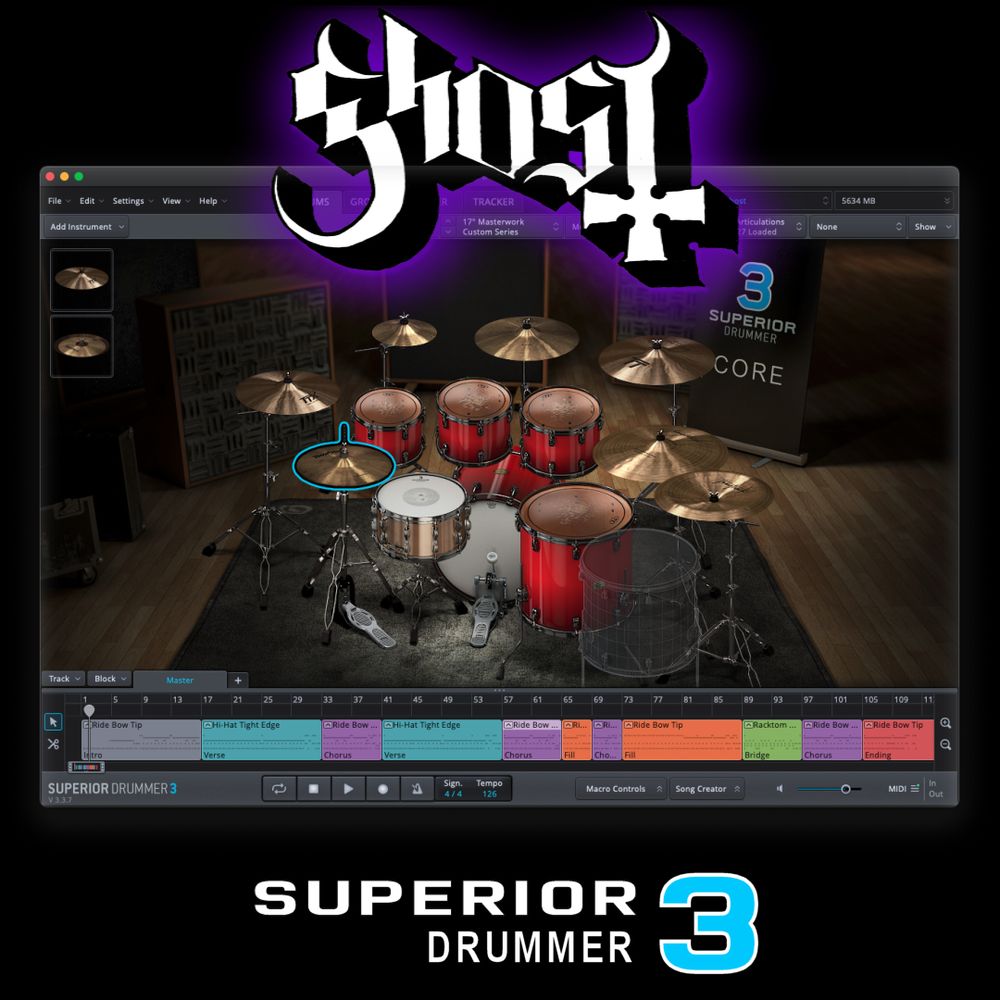
This download will be the complete Superior Drummer 3 tracked MIDI performance in .sd3p format created and played by me, as displayed on my YouTube channel, using the following Superior Drummer 3 libraries:
 

Kit Details
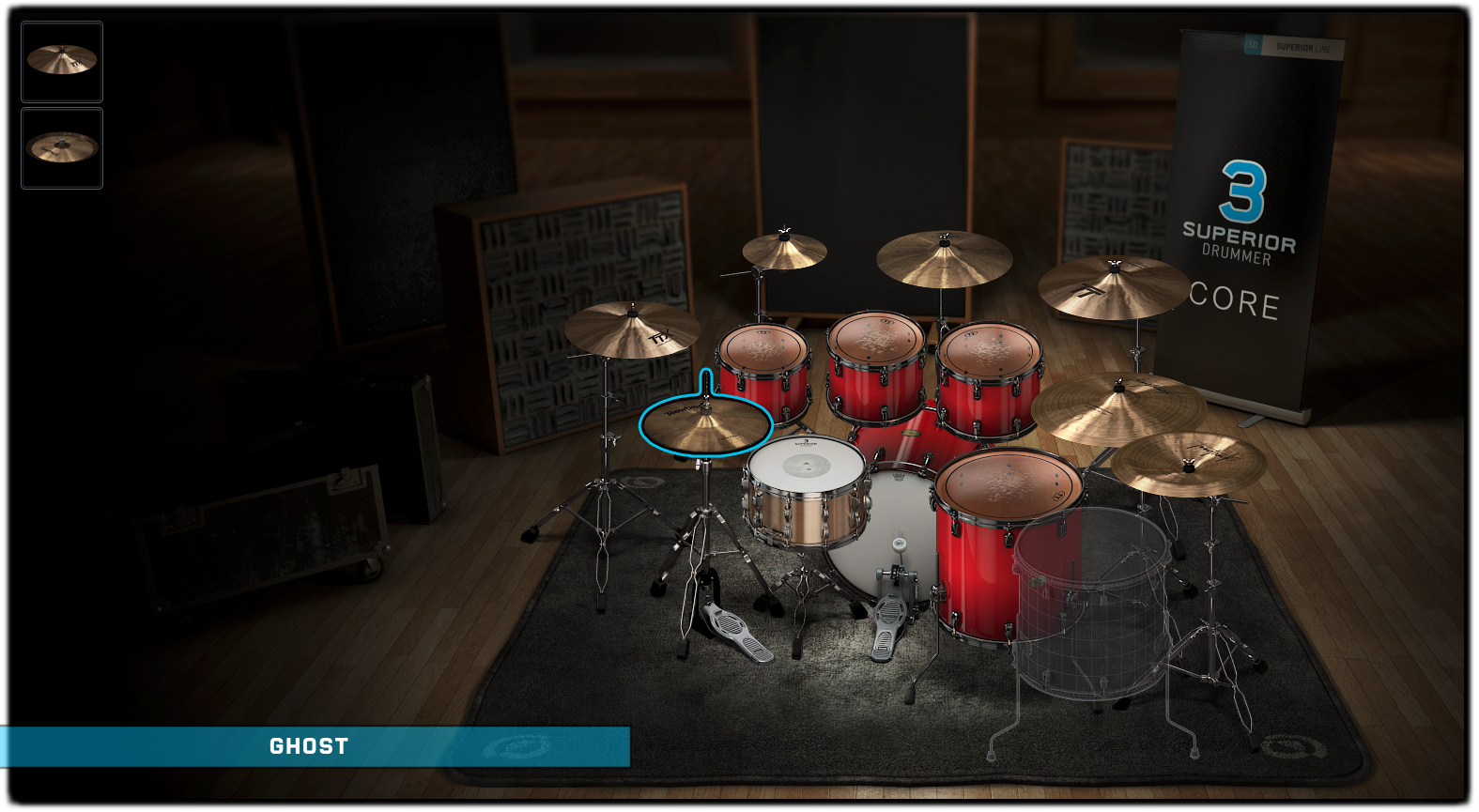

Hover over each instrument icon for library information


Drums Only Sample

Sorry, no results.
Please try another keyword


Drum Cover


Reviews

There are no reviews yet.

Be the first to review “Ghost – Witch Image”

Your email address will not be published. Required fields are marked *

Superior Drummer 3 Help

All downloads from Red Gear Music will require the following:

  • Superior Drummer 3 Core Library
  • Any additional SDX/EZX libraries as noted on each product page
  • The latest version of Superior Drummer 3

The project will come as a digital download in the .sd3p file format.  Once Superior Drummer 3 is open, go to the File menu, then choose Open, and select the downloaded .sd3p file. All mixer settings, channel routing, channel FX, and MIDI performance will be loaded automatically.

Since my electronic kit has many pieces, I have used some different MIDI mappings than what your kit may use.  If you need help changing the MIDI mapping, I would suggest you take a look at the Toontrack manual here.

After you load the downloaded project file into Superior Drummer 3, you can save the preset to your own library for use later.  Simply click on the preset name in the upper right corner, then choose Save As... to save it your own library.


To use?  Forever!  Once downloaded, you have free-use of the project & preset to do as you wish.  I highly recommend you backup the project file in a safe space so you can access them whenever necessary.  You are limited to 5 downloads within 5 days after purchase from redgearmusic.com.  After 5 days, you no longer have access to download the project file again.

On each product page, you will find a Kit Details section which will show the exact screenshot of the kit used for that project.  You can hover over each instrument icon to see which library is used that make up the kit.  If the project kit uses a custom one-shot sample, this will be notated and will be included in the download as a .wav file.

Absolutely!  That's why I am doing what I am doing.  My only request is that you give credit wherever you post your content.  Feel free to leave a product review here and include a link to your cover!