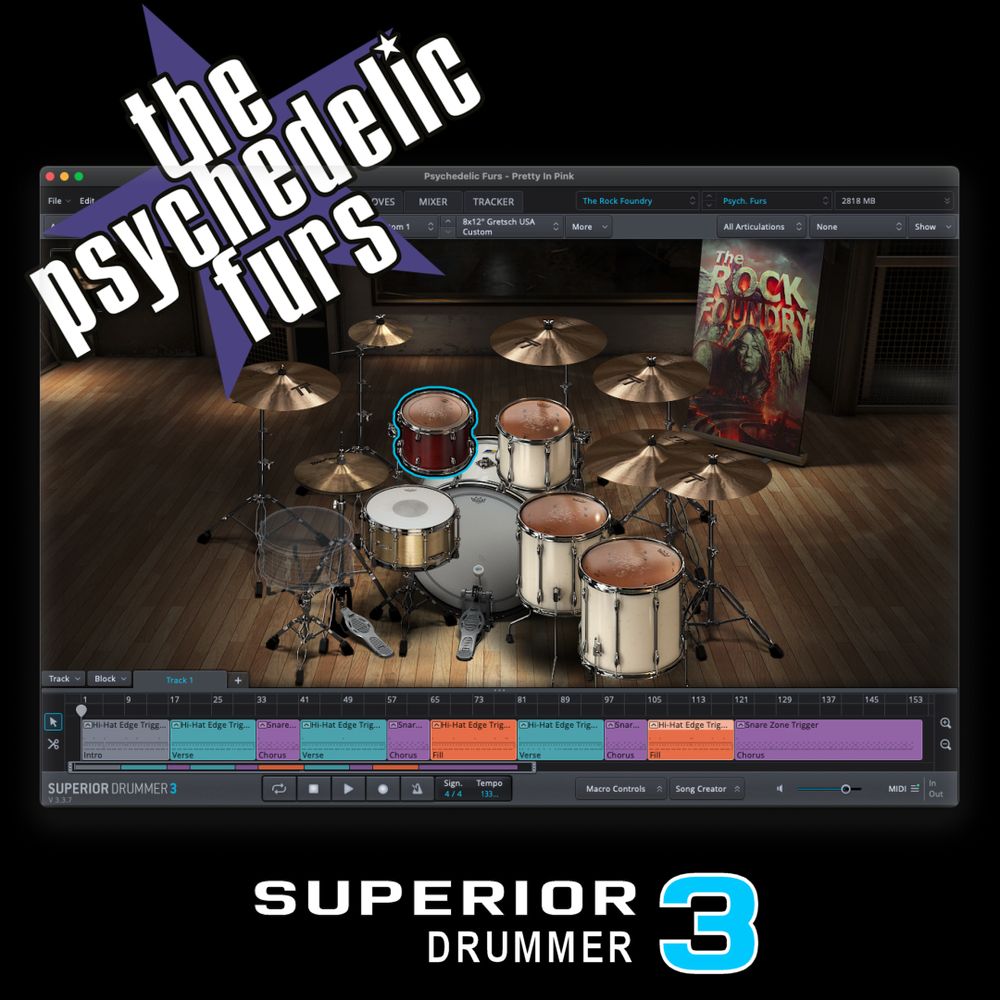
Psychedelic Furs – Pretty In Pink

Published: September 11, 2021

Psychedelic Furs – Pretty In Pink

Free

3 people bought this

Description

I don’t expect many views or comments on this release but I love this song, it brings me back to so many memories, and it has this awesome groove to it. I really love the simple drum fill at 2:33. Things like that just make me happy. But enough of that, on to my description….

Let’s keep on traveling back, this time to the glory days of 1986. My Chicago Bears just won the Super Bowl and John Hughes was on top of the teen movie market and that’s where this cover comes from, the movie Pretty In Pink. Now I am not a big fan of this movie but I totally respect John Hughes taste in music, I mean Breakfast Club?! C’mon that movie had one of the greatest soundtracks.

I had this weird inclination a few weeks back to cover something made famous by John Hughes and that reason was because the anniversary of his death just past on August 6, 2009. I miss this guy & his movies. RIP John and hope this reaches you in the afterlife. Much respect!

This drum kit started with the “Dense Metal” preset in the Rock Foundry SDX, but I changed all the toms, using the high tom from the Rock Warehouse SDX, and the other 3 toms from the Darkness SDX. All Cymbals are from the Rock Foundry SDX. Hope you like it!

This download will be the complete Superior Drummer 3 tracked MIDI performance in .sd3p format created and played by me, as displayed on my YouTube channel, using the following Superior Drummer 3 libraries:

 

Kit Details
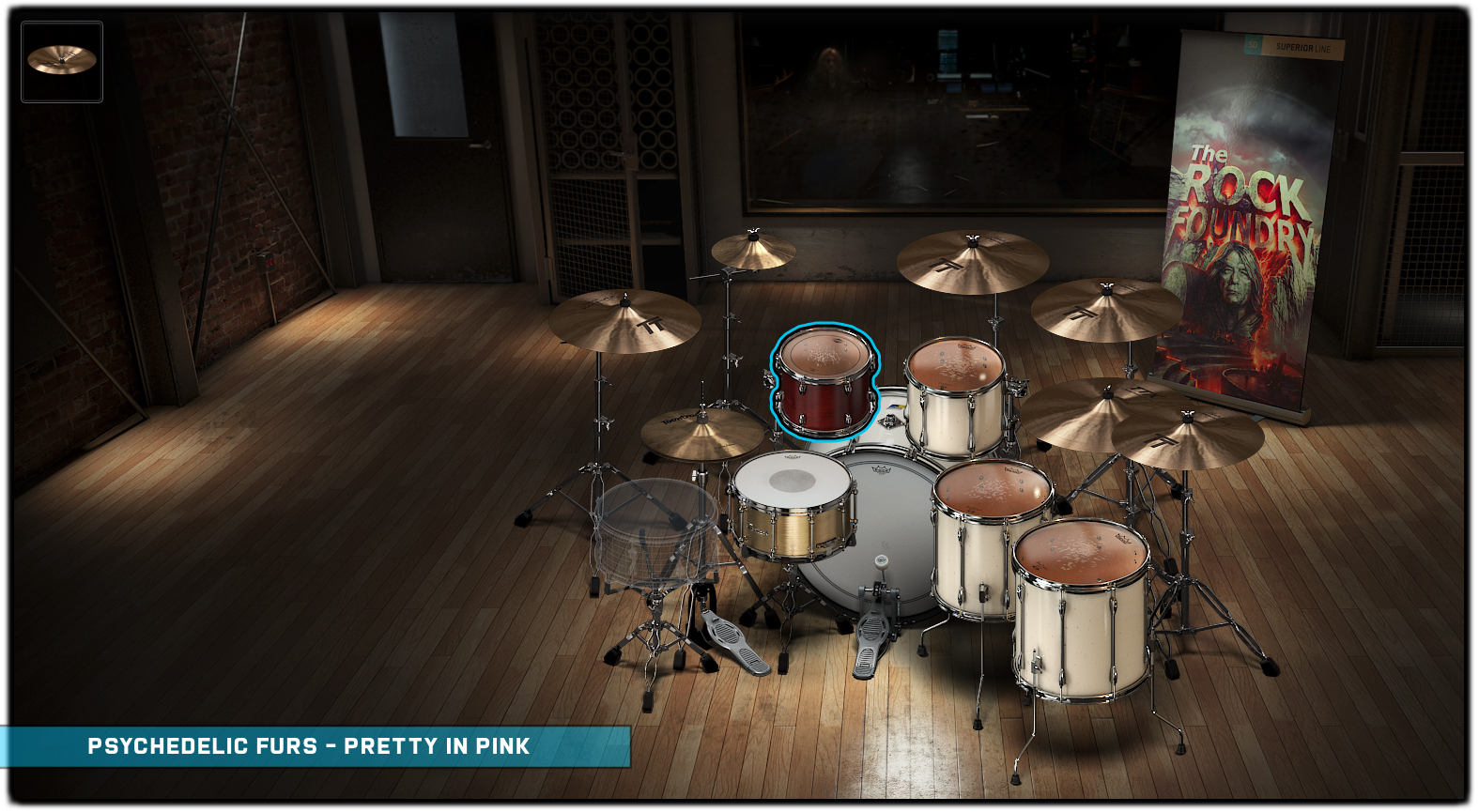

Hover over each instrument icon for library information


Drums Only Sample


Sorry, no results.
Please try another keyword


Drum Cover


Reviews

There are no reviews yet.

Be the first to review “Psychedelic Furs – Pretty In Pink”

Your email address will not be published. Required fields are marked *

Superior Drummer 3 Help

All downloads from Red Gear Music will require the following:

  • Superior Drummer 3 Core Library
  • Any additional SDX/EZX libraries as noted on each product page
  • The latest version of Superior Drummer 3

The project will come as a digital download in the .sd3p file format.  Once Superior Drummer 3 is open, go to the File menu, then choose Open, and select the downloaded .sd3p file. All mixer settings, channel routing, channel FX, and MIDI performance will be loaded automatically.

Since my electronic kit has many pieces, I have used some different MIDI mappings than what your kit may use.  If you need help changing the MIDI mapping, I would suggest you take a look at the Toontrack manual here.

After you load the downloaded project file into Superior Drummer 3, you can save the preset to your own library for use later.  Simply click on the preset name in the upper right corner, then choose Save As... to save it your own library.


To use?  Forever!  Once downloaded, you have free-use of the project & preset to do as you wish.  I highly recommend you backup the project file in a safe space so you can access them whenever necessary.  You are limited to 5 downloads within 5 days after purchase from redgearmusic.com.  After 5 days, you no longer have access to download the project file again.

On each product page, you will find a Kit Details section which will show the exact screenshot of the kit used for that project.  You can hover over each instrument icon to see which library is used that make up the kit.  If the project kit uses a custom one-shot sample, this will be notated and will be included in the download as a .wav file.

Absolutely!  That's why I am doing what I am doing.  My only request is that you give credit wherever you post your content.  Feel free to leave a product review here and include a link to your cover!